
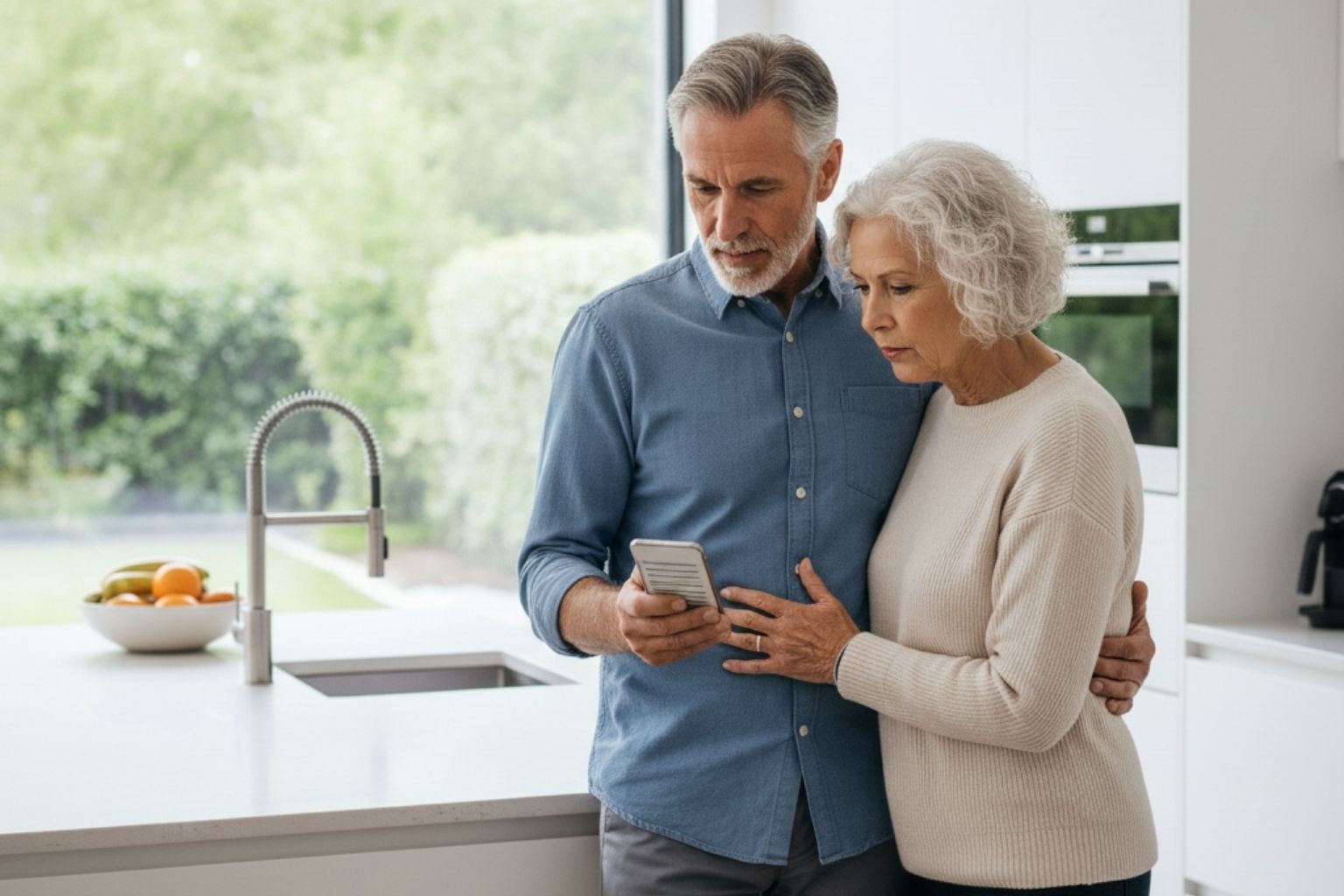
When you visit parents or older relatives over the holidays, you may notice things that never show up on a phone call or video chat. As a Realtor serving the Phoenix metro area and a certified member of the KW Planner Community, I encourage families to quietly watch for clues that an older loved one may be struggling online, such as:
- Unopened or confusing email inboxes
- Trouble logging in to email, banking, or shopping accounts
- Frustration with constant texts, emails, or pop-ups
- Stories about “strange” calls asking for money or personal information
These visits are a natural time to check in on online safety. Is your loved one staying safe when they click, open, or pay—or are they vulnerable to scams?
Keeping seniors safe online for the holidays starts with a simple goal: we want older adults to enjoy the convenience of technology—shopping, travel planning, photos, and video calls—without losing money, privacy, or peace of mind.
Situation – Why Holiday Online Safety Matters for Seniors
During the holidays, everything speeds up. There are more emails, more shipping updates, more social media messages, and more “special offers” than usual. Seniors may also be donating to charities, booking travel, and ordering gifts for kids and grandkids. All that activity increases the chance of clicking on something before really looking at it.
For older adults who did not grow up with smartphones and apps, scam messages can look very convincing. A familiar logo, a friendly greeting, or a reference to a recent order may be enough to lower their guard—especially if the message sounds urgent or emotional. That is exactly what scammers are counting on.
When you are in the home in person, you may notice clues you would miss over the phone: an inbox full of unread messages, repeated error screens, or comments like “I keep getting strange emails from my bank.” Those are gentle signals that it may be time to talk about online safety.
Problem – Common Holiday Scams Targeting Older Adults
Fake Package and Delivery Notices
A classic holiday scam is the fake package or delivery notice. A text or email says a package could not be delivered and asks you to click a link to fix the problem or pay a small fee. That link may lead to a fake website designed to steal passwords or card numbers.
Safer habit: ignore the link. Instead, go directly to the official website or app for the shipper (or to your Amazon account) by typing the address or using a saved bookmark.

“Grandchild in Trouble” and Urgent Money Requests
Another common scam plays on emotion. Someone claims to be a grandchild, relative, or close friend who needs money immediately and begs you not to tell anyone. They often insist on gift cards, wire transfers, or payment apps.
Safer habit: pause and verify. Call a trusted family member or call the person back using a known phone number. Real family members and legitimate organizations do not demand payment in gift cards.
Fake Shopping Sites and “Too Good to Be True” Deals
Scammers also create fake websites and ads that look like well-known brands. Prices seem amazing, but the product never arrives, or card information is stolen.
Safer habit: shop with retailers you already know, check reviews, and look for “https” and a small padlock symbol in the browser bar before entering payment information.
Phishing Emails and Texts
Phishing messages pretend to be from trusted companies—banks, delivery services, charities, or retailers. They often:
- Ask you to “confirm” your account
- Warn that your account will be closed
- Offer a refund or prize if you click a link
Safer habit: do not click links in these messages. Open a browser and go directly to the company’s official website or app, or call the number on the back of your card.
Action – Simple Online Safety Habits That Work

Use Strong, Unique Passwords
Encourage seniors to use different passwords for email, banking, and shopping accounts. Reusing the same password everywhere makes it easy for one breach to create many problems. A password manager can help, or they can keep a written password list stored in a safe place at home. The goal is progress, not perfection.
During a visit, you might gently ask, “Do you feel comfortable with your passwords, or would you like help reviewing them?” This keeps the conversation supportive instead of critical.
Turn On Multi-Factor Authentication (MFA)
Multi-factor authentication adds a second step to logging in, such as a code sent by text or generated by an app. Turning on MFA for email, banking, and social media accounts makes it much harder for someone to break in, even if a password is compromised.
Explain it as a second deadbolt on the front door, simple, familiar, and effective.
Pause Before Clicking on Links
Create a rule that everyone in the family can use: if a message feels rushed, emotional, or pushy, pause before clicking.
Encourage seniors to ask:
- “Was I expecting this message?”
- “Does this really sound like the company or person I know?”
If something feels off, do not click the link. Instead, go directly to the official website or call the company at a verified number. During your holiday visit, you can even review a few recent emails or texts together and discuss which ones look safe.
Keep Devices Updated
Phones, tablets, and computers should be set to update automatically whenever possible. These updates often contain security improvements that help block new scams and threats.
A quick “tech check” while you are visiting can confirm that automatic updates are turned on and basic security tools are active. This small step offers big protection.
Create a “Tech Safety Buddy”
Families can support seniors without taking over. One simple approach is to set up a “tech safety buddy”—a person the senior knows they can call or text anytime something looks suspicious.
You might also schedule a short monthly “tech check-up” to:
- Review questionable emails and texts
- Update passwords and settings
- Look over recent online activity for anything that looks unusual
This keeps seniors in control, but not alone, and gives you a natural way to stay connected on practical matters.
Results – More Confidence, Less Fear
When seniors understand the most common scams and practice a few core habits, their confidence grows. Instead of feeling embarrassed or overwhelmed, they know it is okay to slow down, ask questions, and double-check before they click or pay.
Families gain peace of mind too. Adult children and relatives know their loved ones have:
- A basic online safety plan
- A trusted person to call
- Clear steps to follow if something looks suspicious
The result is fewer crises and more time to simply enjoy the holidays together.
Key Takeaways and Next Steps
Online safety is not about memorizing every scam. It is about a handful of smart habits, a simple plan, and the comfort of knowing there is someone to call when something does not feel right. Holiday visits offer a natural moment to see how an older adult is really managing technology day to day.
As you gather this holiday season, consider adding online safety to your list of important family conversations—alongside housing plans, health needs, and how to protect the home and assets your loved ones have worked so hard to build.
If you would like help coordinating housing plans, downsizing, or planning ahead for a senior’s home and real estate in the Phoenix metro area, I am here as a resource. Reach out to schedule a no-obligation strategy session so we can review options and create a plan that supports both safety and peace of mind for the years ahead.